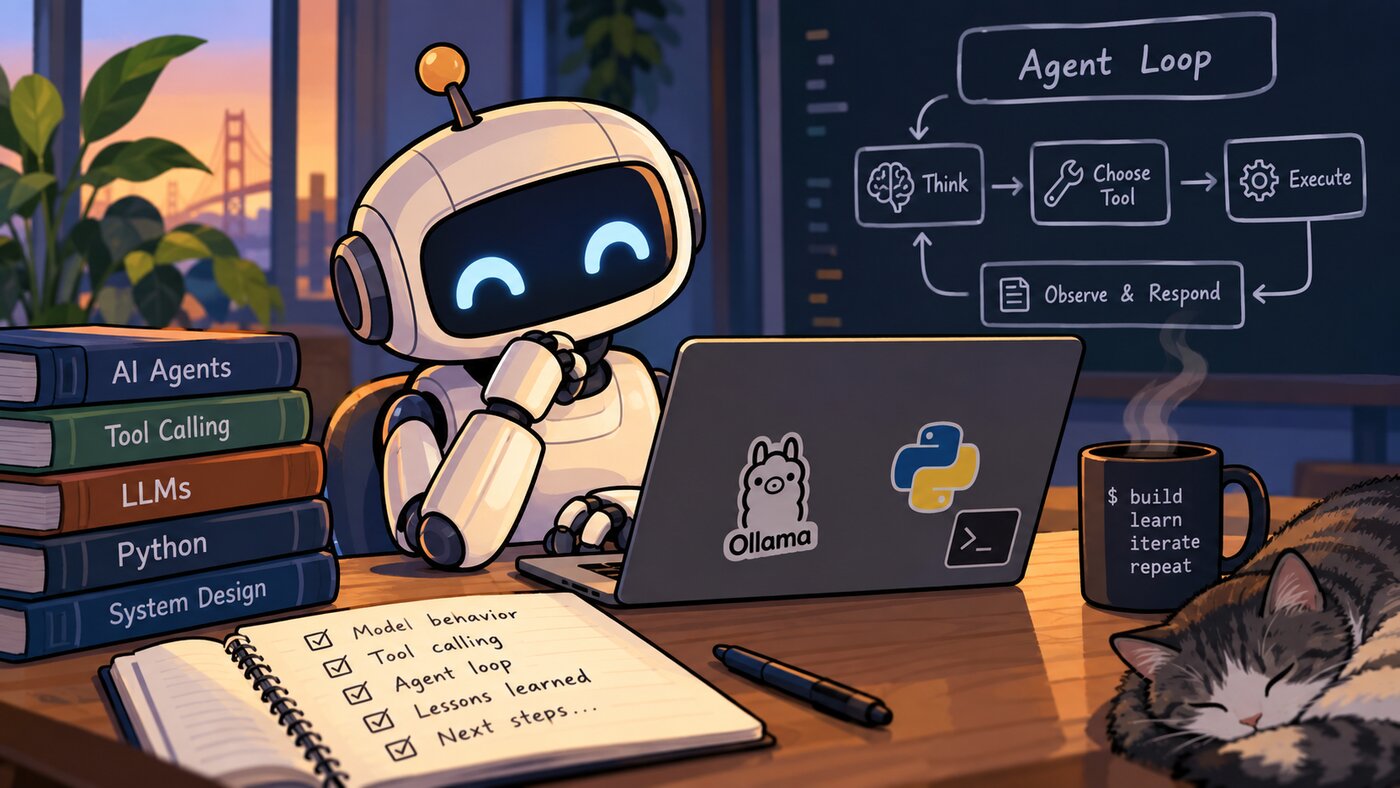
Recently I decided to build an AI agent “from scratch” in Python. My primary motivation is to learn; I want to better understand the technology landscape and how the pieces fit together. This post covers my progress and learnings from my first day of work.
I’m using Ollama to run models locally, Python to interact with the models via the ollama package, and Claude as my AI coding assistant. I have a small proof-of-concept that makes a single call to the LLM and prints the results; this served as my starting point.
All code will be pushed to my GitHub repo, here: github.com/EvanKuhn/agents
Progress
Today’s accomplishments:
- Add
PLAN.mdto list and track project milestones. - Add a loop to the agent, and add in-context memory. Previous messages are saved and fed back into the model within the current conversation.
- Render agent output as markdown, and include a status bar (showing time, token count, and status).
- Support thinking models.
- Support personas (socratic, terse, pirate)
- Support basic tool use (calculator, list files, read file, get time)
- Add initial system prompt
Learnings
Ollama API Format
Ollama uses structured JSON for API input and output. The format is based on work by OpenAI:
- OpenAI’s Chat Completions API
(March 2023) introduced a
messagesarray of{role, content}objects usingsystem/user/assistantroles. This format replaced the older single-string prompt APIs and widely copied upon release. - OpenAI’s function calling
(June 2023) expects function calls to be passed using a JSON schema. Each tool has
name,description, andparametersfields, which the model can reference for tool calls.
Ollama’s native /api/chat format is heavily influenced by OpenAI’s work, but is not identical.
However, Ollama does provide an OpenAI-compatible endpoint at /v1/chat/completions, which allows
software written for the OpenAI API to instead use Ollama.
Model Types and Tool Use
The biggest learning today was around tool use. Though unsurprising in hindsight, I was unaware of the extent to which different models succeed or fail with tool use. For example, qwen3 succeeded quite well, while llama3.1 struggled significantly. Deepseek-R1 also had trouble, and failed to return in a timely manner; either it was still thinking, entered an infinite loop, or something else failed during the test.
Other failure modes include: calling tools too frequently, or not at all; pretending to call tools; and hallucinating tool output. Models may not trust tool output. For example, qwen3 did not believe the date was 2026, as its training had completed in Dec 2023.
The system prompt can have a large effect on successful tool use. The models need to be told that they have access to tools, given guidance on how to use them, and instructed to trust tool output. Details on each tool’s definition are also important; more on that below.
There are a number of things that can affect tool usage:
- Model training, targeted fine-tuning, and reinforcement learning.
- The model’s ability to follow precise instructions, as function calls require absolute correctness.
- Judgment about which tool to call, and when to call it. Larger models typically excel here.
- Long context and multi-step reliability. Models that handle these better will excel. Lost context will affect results.
- Distilled models tend to fail on unfamiliar toolsets.
- Harness quality: clear tool descriptions, useful error messages, sensible defaults, and a quality agent loop all affect tool use success.
Ollama Tool Definition Parsing
Another notable learning is that the Ollama Python library parses the Python function definition and docstring to create a JSON tool definition that is passed to the model. Ollama requires that we use Google-style function docstrings. Ollama parses the following:
- Name: the function’s name becomes the tool’s name.
- Type hints: these become the parameter types, e.g. expression: str.
- Docstring: the summary becomes the tool’s description, and each line under
Args:becomes a parameter description. Anything underReturns:orRaises:is skipped.
This is done via the convert_function_to_tool() method in
ollama/_utils.py.
Chain-of-Thought and Reasoning Models
Chain-of-thought (CoT) is a technique in which a model is asked to generate intermediate reasoning steps before producing a final answer. Breaking a problem into smaller steps can improve performance on tasks that require multi-step reasoning, such as math and logic, though it generally requires more time and token usage.
Google Researchers published the foundational paper Chain-of-Thought Prompting Elicits Reasoning in Large Language Models in January 2022, in which they demonstrated that large language models could perform multi-step math and logic more effectively when the user provided a few step-by-step examples in the prompt Later, in Large Language Models are Zero-Shot Reasoners (May 2022), Kojima et al. showed that simply adding the phrase “Let’s think step by step” in the prompt could elicit similar reasoning behavior.
It is useful to distinguish chain-of-thought prompting from modern reasoning models. Chain-of-thought prompting attempts to elicit step-by-step reasoning through the prompt, and indeed the model output will show each of these intermediate thoughts. Reasoning models, in contrast, are specifically trained to spend additional computation on reasoning before producing an answer. Reasoning models typically hide these intermediate “thinking” monologues from the user. The models’ APIs may allow for controlling the level of reasoning (eg: low, medium, high), which effectively controls the token budget allocated for that query. As Andrej says, “models need tokens to think”.
Agents, Frameworks, and Harnesses, oh my…
This work has exposed me to a number of new terms, which require clarification. For completeness, I’ve also included some of the more basic terms (model, assistant).
Model
This is the trained neural network, consisting of both the model weights, and the program to read
the weights file and run the neural network. The model takes tokens as input, and produces output by
predicting one token at a time. The model has no memory, and no ability to use tools; it’s just
tokens in and tokens out. Examples: llama3.1, qwen3, Claude Opus 5.5, OpenAI GPT-6 Sol.
Assistant
This refers the AI model, wrapped in an app, and fine-tuned to act as a helpful assistant. It takes
a user query and produces a highly-polished answer. An AI assistant is able to chat back and forth
with the user, holding the current conversation (and potentially past convos) in memory.
Note, in the context of interacting with a model, assistant refers to the model’s role, in
contrast to the user or system role.
Agent
An agent is a system in which a model acts in a loop to accomplish a task. In the common ReAct-style
loop, the agent will reason => act => observe, and iterate again, repeating until the goal is
achieved. While an assistant engages in a back-and-forth conversation with the user, an agent is
meant to work on a task and drive towards a goal with minimal user input.
Framework
A software library for building AI applications and agents. Frameworks provide the parts such
as memory management, agent loops, tool definitions, etc. These parts can be composed and swapped
out by the software engineer, as desired. Examples: LangChain, LlamaIndex, CrewAI, the Claude Agent
SDK, the Vercel AI SDK. You write code with a framework.
Harness
A harness is the code around a model that turns it into a working agent or assistant. It builds
the prompts to feed to the model, manages memory and context, define the tools, executes tool
calls, enforces permissions, and implements behaviors like Retrieval Augmented Generation (RAG).
Claude Code is a harness around the Claude model. A harness can greatly improve, or hinder, the
performance of the underlying model.
Agent Runtime
The environment in which the agent runs and keeps it state. This could be a hosted service that runs
the agent loop, stores sessions, and provides sandboxes.
Note that the inference runtime is the program that reads the model’s weights files and runs the underlying LLM.
How they fit together
Take Claude Code as an example:
- The model (Claude Opus) generates text and tool calls.
- It runs on Anthropic’s inference runtime on their servers.
- Claude Code is the harness: it runs the loop, executes tools, and manages permissions and context.
- The result behaves as an agent, because it completes multi-step coding tasks on its own.
- It was built with the Claude Agent SDK (the framework).
- Claude Code effectively acts as a coding assistant, engaging the user in conversation and helping to build software.
What’s next
As noted in my PLAN.md, I’ll be adding a ReAct-style reasoning loop (including multiple tool calls), and support for procedural memory and skills.